
Parallel Space v4.0.9614 Mod APK (Pro)
- Updated
- Version 4.0.9614
- Size 54 MB
- Requirements Android 7.0+
- Developer LBE Tech
- Gender Personalization
- Google Play
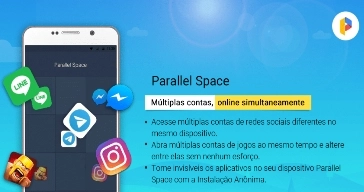
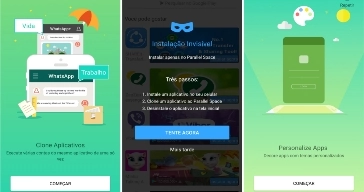
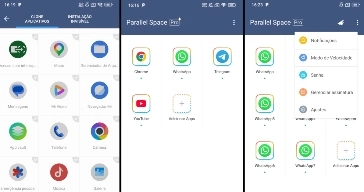
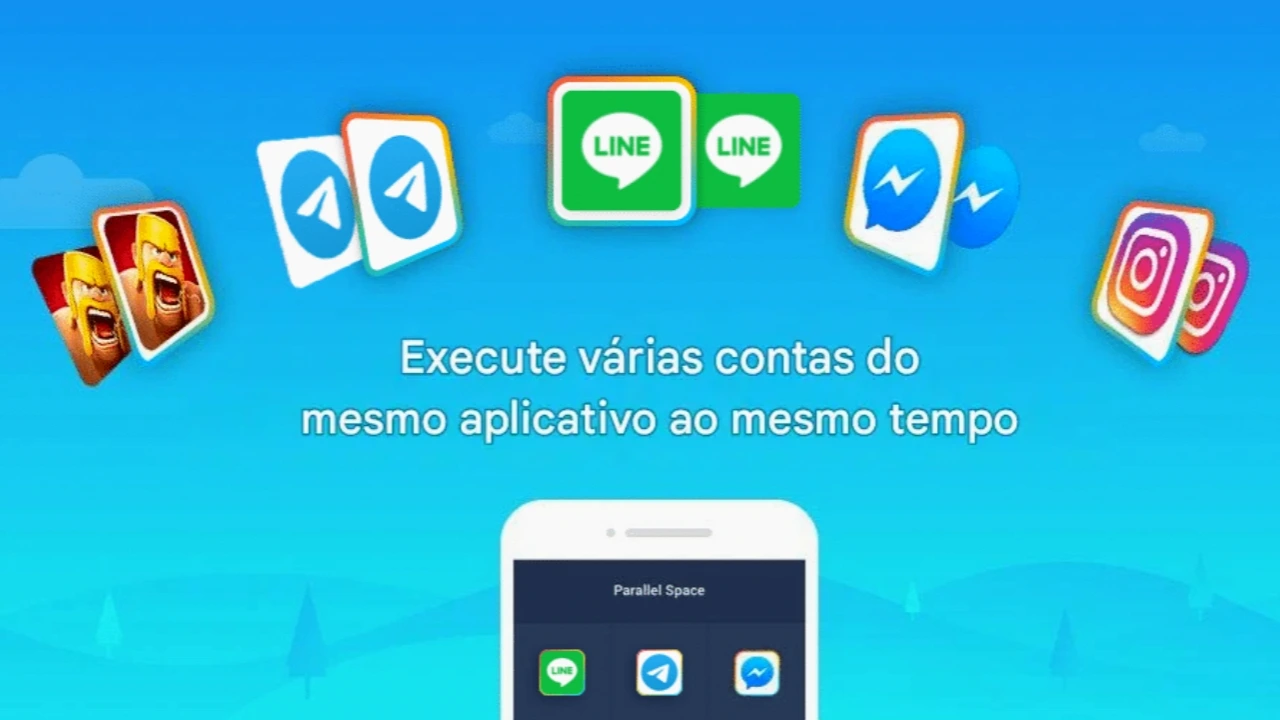
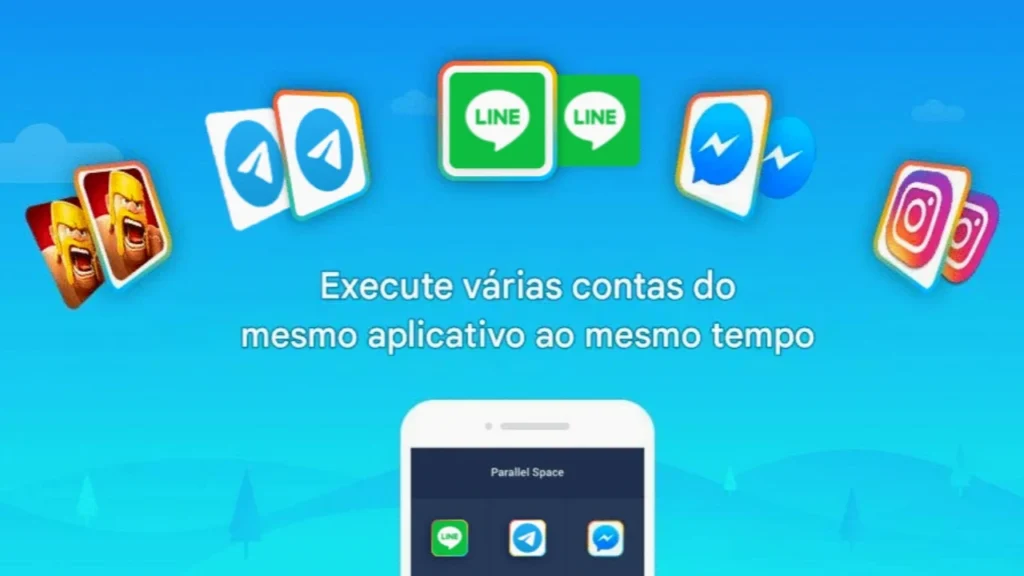
The Parallel Space is an app designed for those who want to use two or more accounts for the same application on a single Android phone in a convenient and secure way. It allows you to access different profiles for social networks, messaging apps, and games without needing to log out of one account to log into another. Additionally, the tool creates an independent virtual environment, keeping the data for each account separate and organized.
Another key feature is its focus on privacy, offering tools to hide apps and add an extra layer of protection. Since it works without requiring root access, the app can be used on most compatible Android devices. Throughout this article, you will learn more about Parallel Space—what it is, how it works, its main features, and how to use it properly to take full advantage of its capabilities.
What Is Parallel Space: Find Out What It’s For and How It Makes Using Multiple Accounts Easier
Parallel Space, developed by LBE Tech and launched in 2016, is a tool that allows users to clone and run applications simultaneously on Android devices. Its primary function is to enable the use of two or more accounts for the same app on a single phone, keeping them all separate within a secure virtual environment. This makes it possible to use personal and professional accounts at the same time, as well as access different profiles on social networks, messaging apps, and games.
Currently, the platform serves over 200 million users worldwide and supports 24 languages. It also utilizes multiDroid technology, considered one of the first virtualization engines for Android. The app offers privacy-focused features, such as Anonymous Installation—which hides apps on the device—and a security lock to protect sensitive information. Consequently, Parallel Space has become a practical solution for those needing to manage multiple accounts with ease.
How Parallel Space Works: Understand how app cloning is performed
Parallel Space operates in a very simple and efficient manner. The app creates a completely independent virtual space within the phone, allowing other apps to be cloned and run separately from the main system. This enables users to open the same app twice simultaneously, keeping each account's data distinct and free from conflicts. Furthermore, switching between profiles is quick and requires just a single tap, making daily use convenient.
Parallel Space is compatible with most Android apps, although some may face limitations due to policies or technical restrictions. To function correctly, the app requests the necessary permissions for each added program but states that it does not collect users' personal data. It is also recommended to add it to the exception list of any device optimization apps to ensure notifications are received properly. This way, performance remains stable even when using multiple accounts simultaneously.
How to use Parallel Space: Learn how to easily set up and clone apps
Using Parallel Space is a simple process, even for those who have never used an application of this type. After installing the tool via Google Play Store, simply open the app and choose which programs you wish to clone. Parallel Space then creates a separate version of these apps within a virtual environment, allowing you to set up a new account without affecting your phone's primary account. This feature is ideal for keeping personal and professional profiles organized or even for progressing multiple game accounts simultaneously.
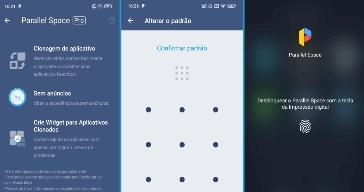
Additionally, the app offers custom themes to visually distinguish cloned apps, making navigation more convenient. To enhance privacy, users can also utilize Anonymous Installation and enable a security lock to prevent unauthorized access. If using social media platforms that require phone verification, each account must be linked to a different number. Meanwhile, Pro plan users can run more than two accounts simultaneously, further expanding usage possibilities.
Key features and characteristics of Parallel Space
Parallel Space brings together various features that make managing multiple accounts on Android much simpler. Its key advantage is the creation of an isolated virtual environment, allowing apps to be cloned without interfering with the original account. This ensures that each profile keeps its data, messages, files, and settings completely separate. Additionally, the app offers privacy-focused features, such as hiding apps and locking them with a password or security pattern. Another highlight is the ability to use two game accounts simultaneously, making it easier to test strategies and progress more quickly.
The app also offers custom themes to modify the appearance of the virtual space and provides broad compatibility with most Android apps, including support for multiple languages and extensions for 32-bit or 64-bit applications. Developed by LBE Tech, Parallel Space has won over millions of users thanks to its stability and convenience. Below, you will learn more about the five key features that make this app stand out.
1. Multiple accounts on the same phone
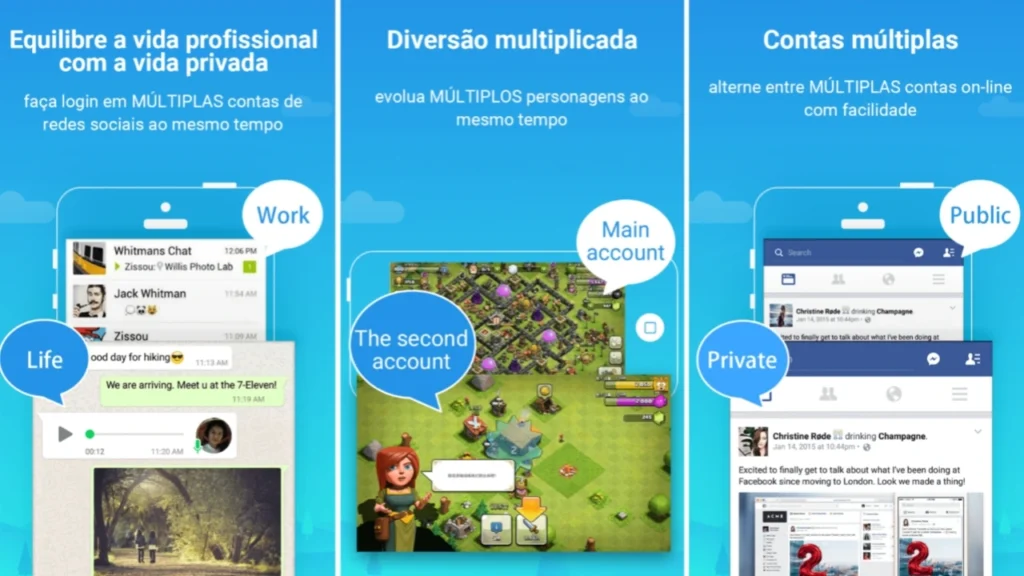
The multiple-account feature is the standout highlight of Parallel Space. It allows users to access two different accounts for the same app without needing to log out of one to use the other. This feature works seamlessly with apps like WhatsApp, Instagram, Facebook, and Messenger, as well as various Android games. Furthermore, each account remains completely independent, keeping contacts, messages, files, and settings separate. This makes it much easier to organize personal and professional life on a single device. Similarly, gamers can manage two accounts simultaneously to test strategies, complete challenges, or accelerate progress without any conflict between the profiles being used.
2. Anonymous installation and enhanced privacy
Another key feature of Parallel Space is Anonymous Installation, designed to enhance user privacy. This function allows you to hide cloned apps from the phone's home screen, making them accessible only within the app's protected environment. Additionally, users seeking an extra layer of security can enable a lock using a password or a unique gesture pattern. This prevents others from viewing or accessing the protected apps without authorization. This feature is particularly useful for those who store personal information, important conversations, or work accounts on their device. In this way, the app offers greater peace of mind during daily use without sacrificing convenience.
3. Virtual environment with isolated data
Parallel Space uses virtualization technology to create a completely isolated environment within the smartphone. This means that cloned apps operate separately from those installed normally on the system. As a result, data such as history, notifications, contacts, files, and settings remain independent across accounts. Furthermore, this isolation reduces conflicts between apps and offers greater stability during simultaneous use. Even when using two accounts for the same service, each continues to function in a completely separate manner. This feature also helps protect user data by keeping each environment organized and preventing unexpected changes between the profiles being used.
4. Gaming and productivity features
Beyond social media, Parallel Space also offers excellent features for users of games and productivity apps. Gamers can run two accounts of the same game simultaneously to speed up progress, test new strategies, or participate in events using different profiles. Similarly, professionals can keep work and personal accounts separate in communication and productivity apps. Switching between profiles happens quickly with just a single tap, saving time during use. Thus, the app brings greater organization to various daily activities, making the management of multiple accounts much simpler, more efficient, and more convenient.
5. Customization and broad compatibility
Parallel Space also stands out for its customization options and broad compatibility with Android devices. The app features a theme store that allows users to change the virtual space's appearance and customize the icons of cloned apps. Additionally, it supports 24 languages, making it accessible to users from various countries. Another key advantage is its compatibility with the majority of Android apps, including support for 32-bit apps and games via the Parallel Space – 32bit Support extension and 64-bit apps via Parallel Space – 64Bit Support, when needed. With over 100 million downloads, the app remains one of the most comprehensive solutions for managing multiple accounts securely and reliably.
Conclusion: Clone apps and games and manage multiple accounts on a single phone
Parallel Space is an excellent option for those who need to use two or more accounts for the same app on a single Android phone. As we have seen in this article, the tool offers a secure virtual environment, allowing you to separate personal and professional accounts without compromising the data of each profile. Furthermore, features such as anonymous installation, security locks, theme customization, and compatibility with most apps make the experience even more comprehensive.
Similarly, the app caters to both social media users and gamers who want to manage multiple accounts simultaneously. Therefore, Parallel Space stands out for its practicality, stability, and ease of use, making it an efficient solution for everyday tasks. Finally, if you want to try all its features on Android, simply download and install the app from Google Play Store. It is worth noting that Parallel Space is not officially available for iOS; for your safety, avoid downloading copies of the app from the App Store.
 To report this post you need to
 - MOD: All Pro features unlocked.
- New: Fully compatible with Android 15.
 Show/Hide MOD Info:
Muito bom legal demais maravilhosa 👏😃😃😃😃😃 irmão 🤩🤩🤩🤩🤩🤩👏👏👏👏👏👏